
ABC Typing Game: A Fun Learning Tool for Neurodivergent Children

SocialDiverse Admin
Published · 4 min read
461 views
0 likes
0 comments
0 shares
---
**[Play the Typing Game →](https://socialdiverse.com/activities/typing-game/)**
Learning to type isn't just about pressing keys — it's about building confidence, independence, and communication skills. For neurodivergent children, especially non-verbal learners and early communicators, traditional typing apps can feel overwhelming, too fast, or discouraging.
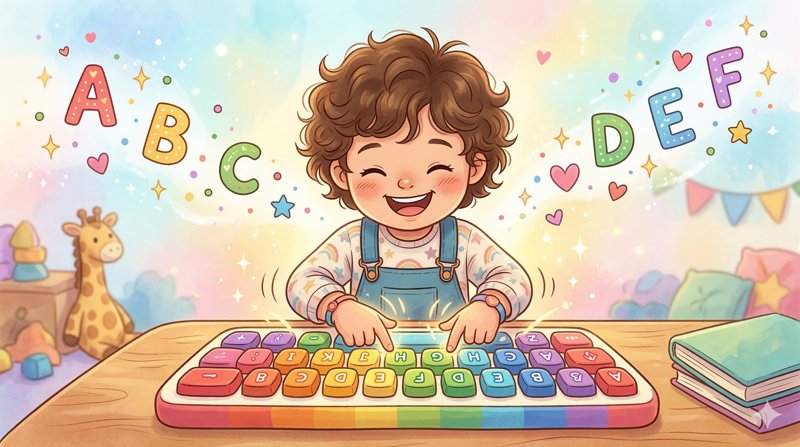
That's why we built the **ABC Typing Game** on SocialDiverse — a free, interactive learning activity designed from the ground up for neurodivergent children.
---
## What Makes This Different?
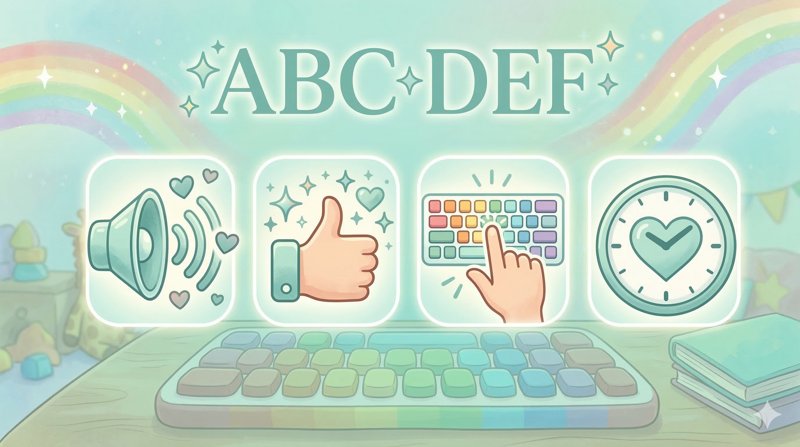
Unlike generic typing games, every detail has been thoughtfully designed:
### Voice-Guided Learning
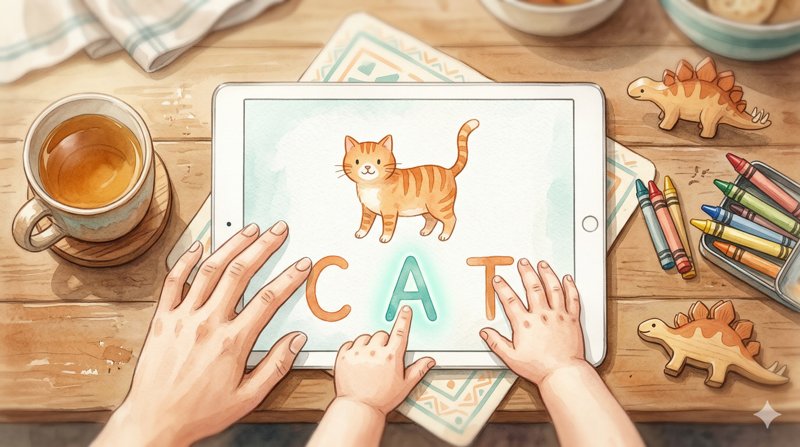
Each letter is spoken aloud — children hear the letter name or its phonetic sound. This multi-sensory approach (see it, hear it, type it) reinforces learning through multiple channels.
### Celebrating Every Win
When a child types the correct letter, they hear encouraging messages like *"Superb!"*, *"You're amazing!"*, or *"That was brilliant!"* — building confidence with every keystroke.
### Smart, Gentle Guidance
Pressed a nearby key? The game says *"So close! You almost had it!"* Pressed a key far away? It gently guides: *"Try looking up and to the right on the keyboard!"* — no harsh "wrong" messages, ever.
### No Pressure, No Rush
If a child pauses, soft prompts encourage without pressure: *"Take your time, you've got this!"* The game waits patiently — learning happens at their rhythm.
---
## How to Play
### For New Users (No Account Needed)
1. Visit [socialdiverse.com/activities/typing-game/](https://socialdiverse.com/activities/typing-game/)
2. You'll enter **Guest Mode** — a free 5-minute preview
3. Choose a mode: **Learning**, **Practice**, or **Free Play**
4. Start typing! The game works with both physical keyboards and the on-screen keyboard
5. Love it? Create a free account to play unlimited
### For Logged-In Users
**Parents & Caregivers:**
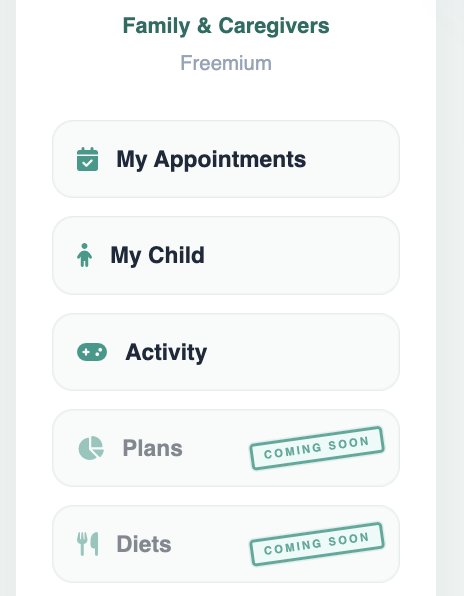
1. Go to **Activity Hub** from the navigation menu
2. Select **Typing Learning Game**
3. Choose your child's profile (or play as guest)
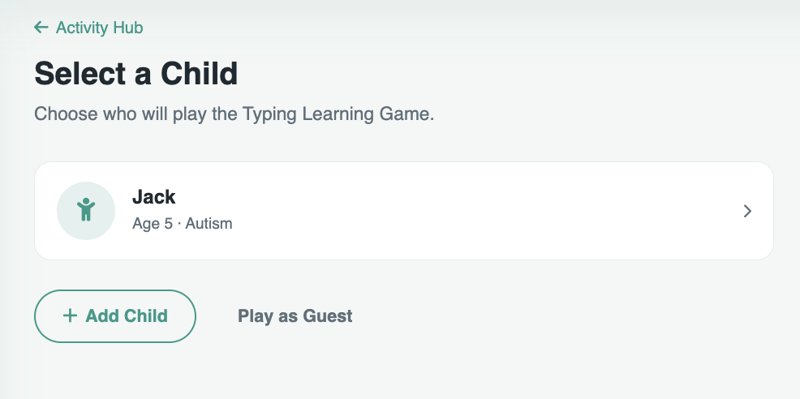
4. Pick a mode and start playing
5. Settings let you adjust speed, hints, letter case, and pronunciation style
**Therapists & Educators:**
1. Go to **Activity Hub** → **Typing Learning Game**
2. You'll see **Demo Mode** — experience the game exactly as your students or clients would
3. No child profile needed — try all three modes freely
4. Use it during sessions or recommend it to families
---
## Three Modes to Explore
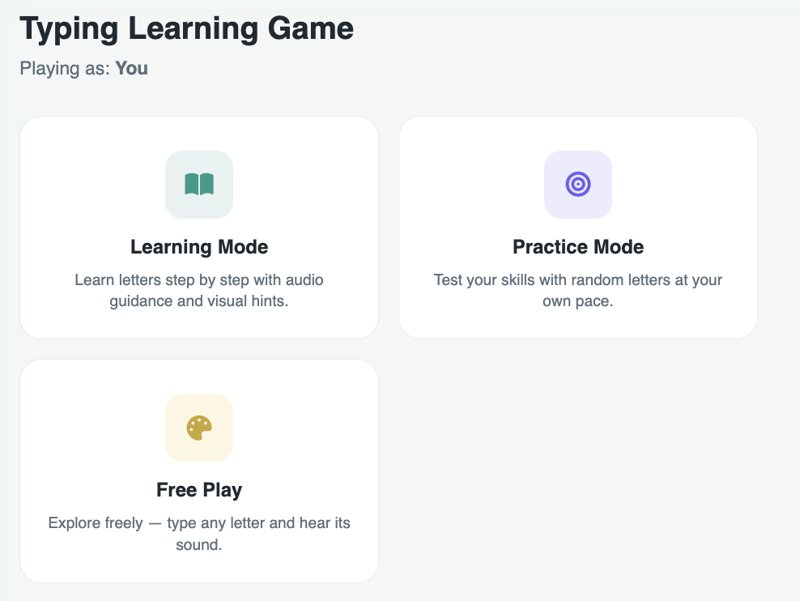
| Mode | Best For | What Happens |
|------|----------|--------------|
| **Learning** | Beginners | Letters appear in A-Z order with full audio + visual hints |
| **Practice** | Building skills | Random letters at the child's own pace |
| **Free Play** | Exploration | Type any letter freely and hear its sound — zero pressure |
---
## Adjustable Settings
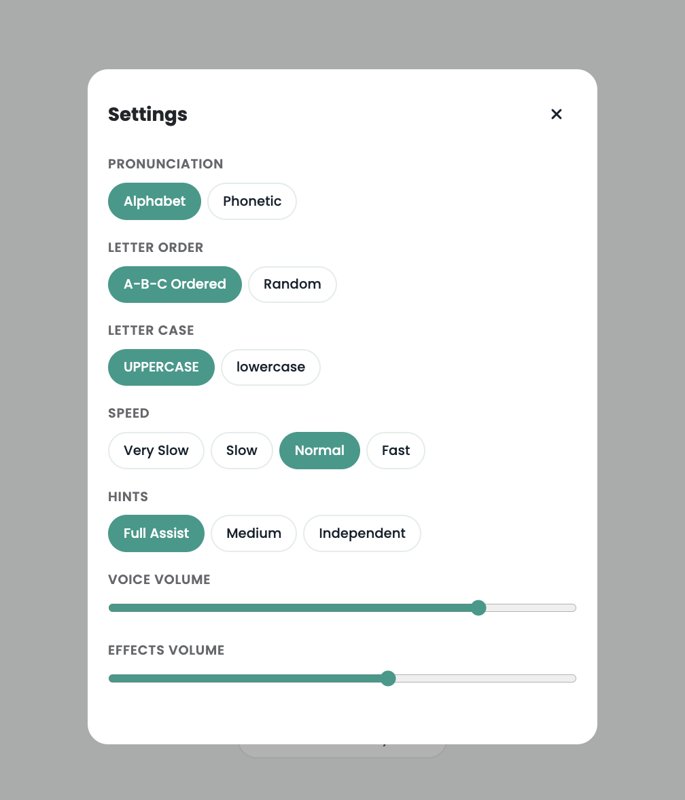
Every child is different. The game adapts:
- **Speed:** Very Slow → Slow → Normal → Fast
- **Hints:** Full Assist → Medium → Independent
- **Letter Case:** UPPERCASE or lowercase
- **Letter Order:** A-Z ordered or random
- **Pronunciation:** Alphabet names or phonetic sounds
- **Volume:** Separate controls for voice and sound effects
---
## Built for Non-Verbal Learners
For non-verbal children and early communicators, this game provides:
- **Visual + audio reinforcement** instead of text-heavy instructions
- **No reading required** — the game speaks everything aloud
- **Predictable, consistent structure** — reducing anxiety
- **Sensory-friendly design** — calm colors, no flashing, adjustable sounds
- **Self-paced progression** — no timers, no competition, no failure states
---
## Track Progress, See Growth
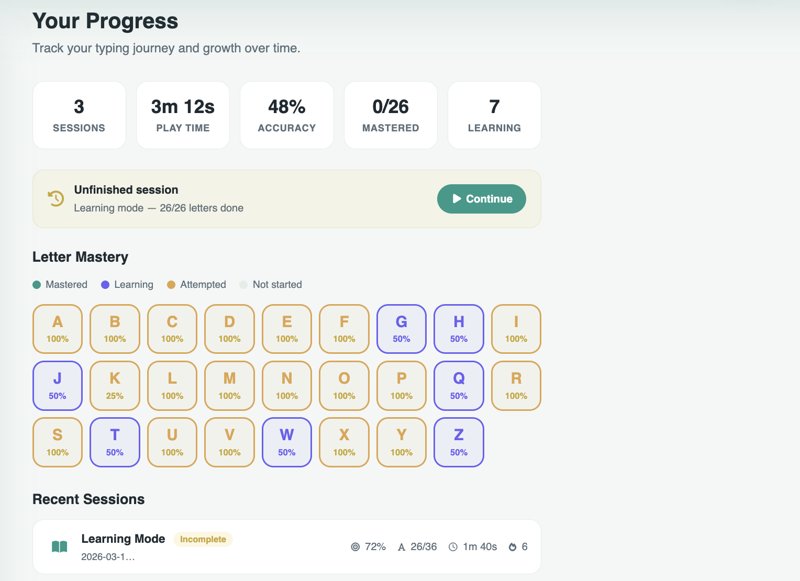
Every parent asks: *"Is my child actually learning?"* Now you can see the answer at a glance.
### Letter Mastery Grid
The progress page shows all 26 letters color-coded by mastery level:
| Color | Status | What It Means |
|-------|--------|---------------|
| **Teal** | Mastered | 90%+ accuracy with at least 3 attempts |
| **Purple** | Learning | 50-89% accuracy — getting there! |
| **Orange** | Attempted | Tried but below 50% — needs more practice |
| **Grey** | Not Started | Haven't tried this letter yet |
Each letter also shows its accuracy percentage, so you can see exactly where your child excels and where they need more practice.
### Per-Letter Tracking
Behind the scenes, the game tracks every individual keystroke:
- **Correct vs. wrong attempts** for each letter
- **Response time** — how quickly your child recognizes and presses each letter
- **Best time** — their fastest successful response per letter
- **Sessions seen** — how many sessions included practice on each letter
This isn't just session-level data — it accumulates across every session, building a true picture of growth over time.
### Session History
See the last 20 sessions at a glance:
- Which mode was played (Learning, Practice, or Free Play)
- Overall accuracy and letters completed
- Duration of each session
- Longest streak of correct answers
- Whether the session was completed or left early
### Resume Where You Left Off
Life with kids is unpredictable. If a session is interrupted — the doorbell rings, lunch is ready, attention shifts — the game remembers exactly where they stopped. The progress page shows an **"Unfinished session"** card with a one-tap **Continue** button that drops them right back into the same mode and position.
### Summary Stats
At the top of the progress page, quick-glance numbers tell the whole story:
- **Total sessions** played
- **Total play time** across all sessions
- **Overall accuracy** percentage
- **Letters mastered** out of 26
- **Letters currently learning**
### For Parents & Caregivers
Select your child's profile and view their individual progress. Each child has their own tracking — so siblings sharing a device each get their own mastery grid and session history.
### For Therapists & Educators
Use progress data to understand which letters a student struggles with, track improvement between sessions, and share concrete growth data with families.
---
## Try It Now — It's Free
The ABC Typing Game is live and completely free for all SocialDiverse members. This is our first version, and your feedback will directly shape what comes next.
**[Play the Typing Game →](https://socialdiverse.com/activities/typing-game/)**
No account needed to start — guest mode gives you a 5-minute preview. Create a free account for unlimited play and progress tracking.
---
*Have feedback or ideas? We'd love to hear from you. This game was built for our community, by our community.*
You're exploring something meaningful
Join India's neurodiversity community to read the full article, connect with experts, and access resources that make a difference.
Free forever — no credit card needed
Already a member?
Log in to continue reading

0 Comments
Join the conversation
Share your thoughts — log in or create an account to comment.